Browse
Find mods, shaders and texture packs.
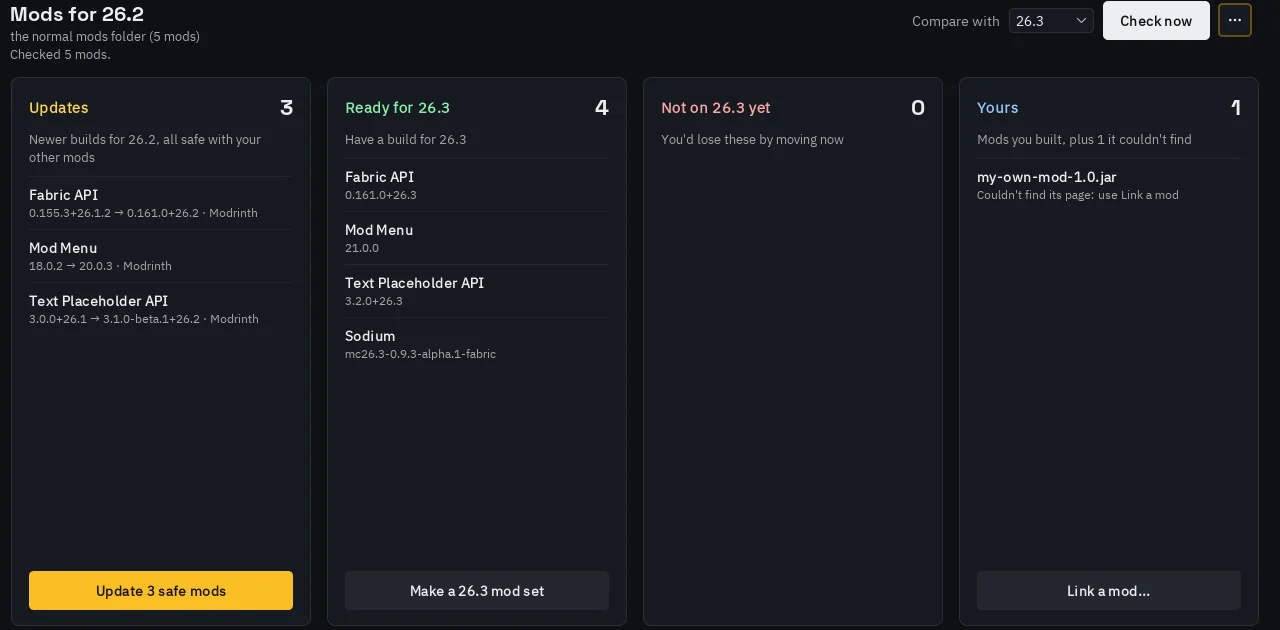
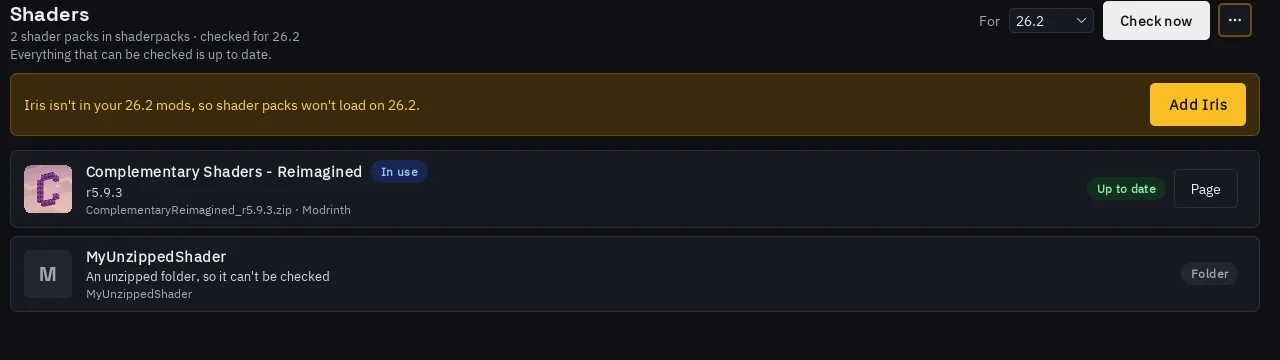
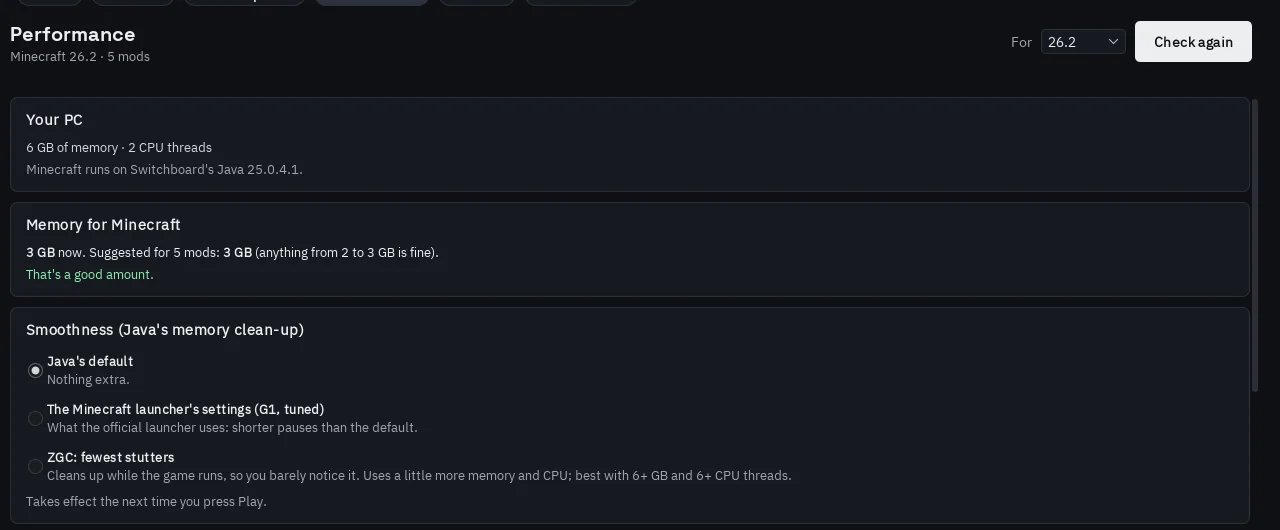
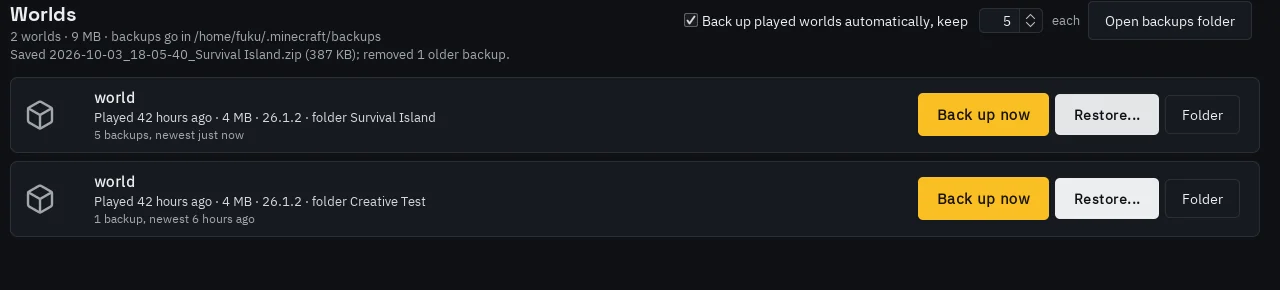
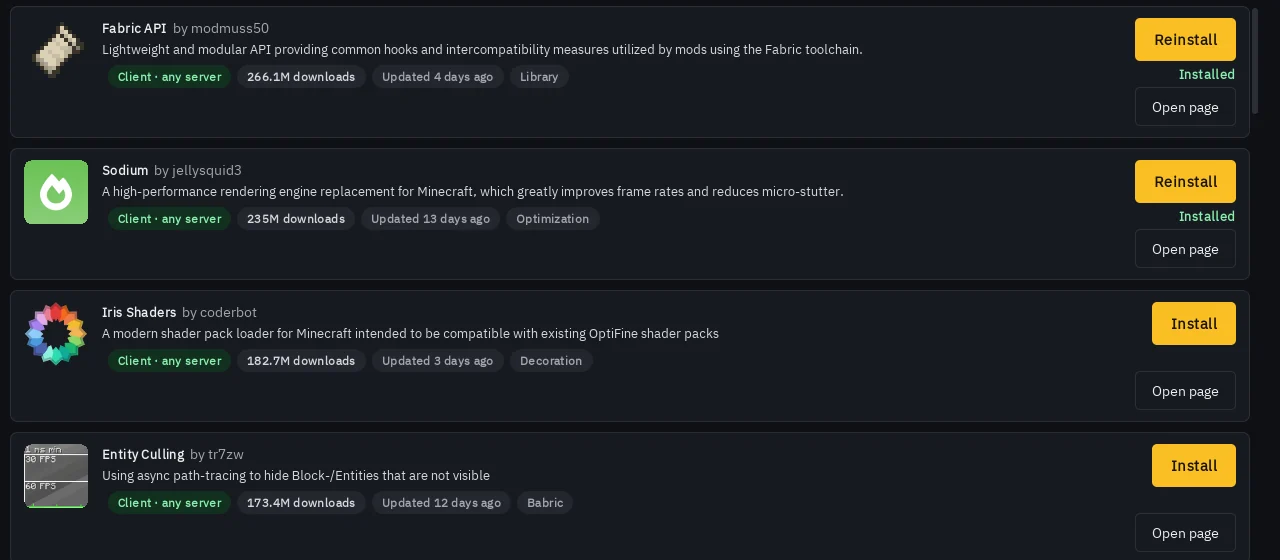
Search Modrinth and CurseForge without leaving Switchboard. Results match the version you play, and everything installs into the right folder with whatever it needs.
Switchboard
Switchboard keeps your Minecraft accounts online, starts the game on any of them, and looks after your mods, shaders, worlds and screenshots.
Free · Windows 10 and 11 · Java and Bedrock accounts · Minecraft 26.2
A clickable demo with sample data. Go ahead, click anything: nothing here touches a real account.
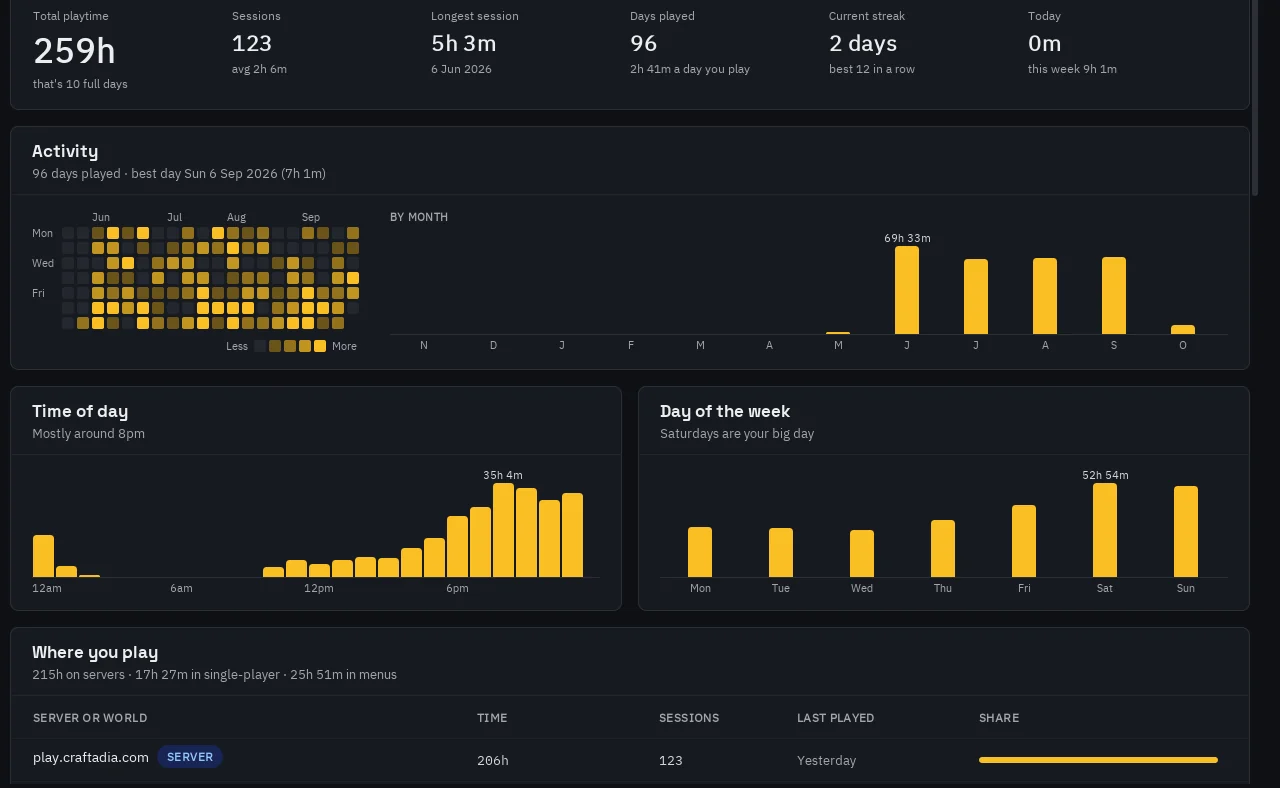
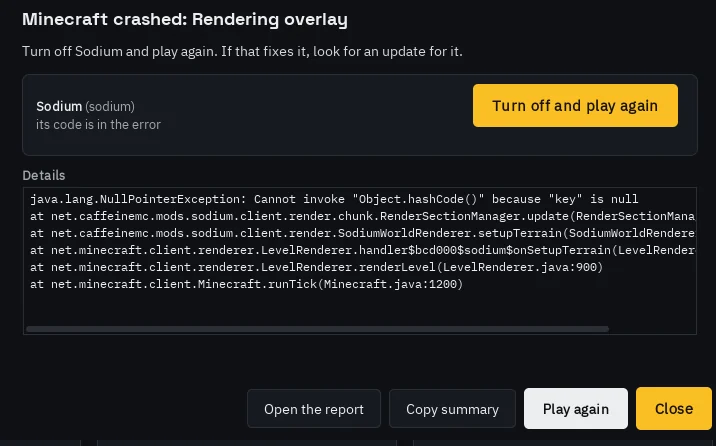
The parts of Minecraft that aren't playing it, in one place.
Browse
Search Modrinth and CurseForge without leaving Switchboard. Results match the version you play, and everything installs into the right folder with whatever it needs.
HotSwap
The Fabric mod that goes with Switchboard. Press Esc, pick an account, and you're back on the same server as someone else.
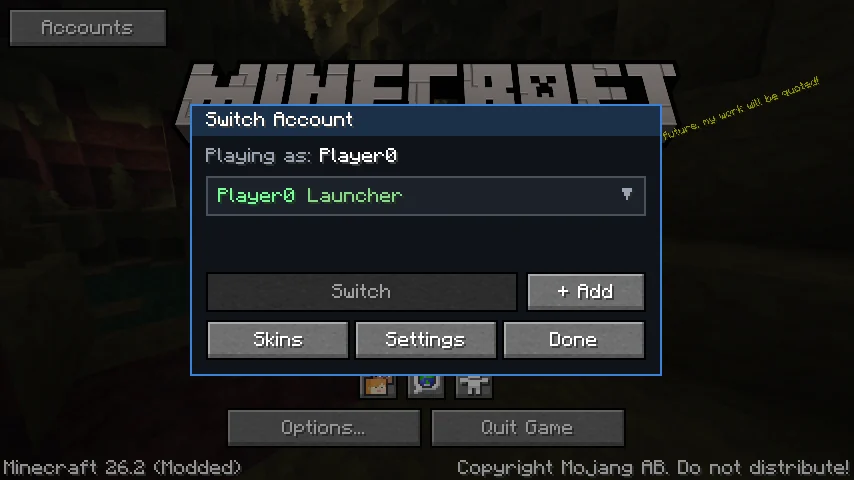
It leaves, swaps your login and rejoins the same server. Your launcher account is always there to switch back to.
Accounts you added in Switchboard show up in game. The two hand accounts back and forth, so they never fight over a login.
Change any account's skin and cape, or draw a new one in the editor with a live 3D preview.
Play on another PC
HotSwap connects with a pairing code, at home or over the internet. Everything sent between the two is encrypted with that code.
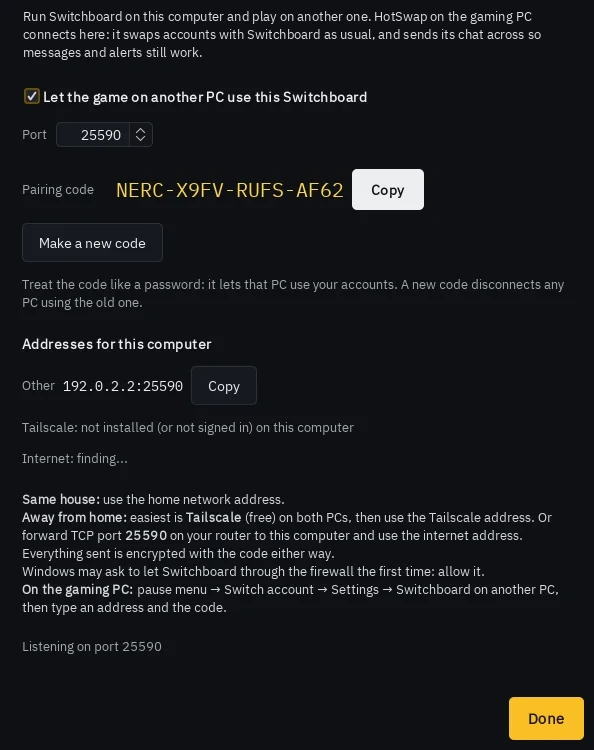
Both are free. Use them together for switching in game and playing on another PC.
The launcher
Unzip it anywhere and open Switchboard.exe.
The in-game mod
Put the .jar in your 26.2 mods folder, next to Fabric API.
Built to play fair. Messages and commands go from one account at a time, and at most 5 of your accounts can be on any one server, so Switchboard can't be used to spam or flood a server. Always follow each server's own rules on alts.
Both downloads come only from KryMeARivr/switchboard on GitHub. Neither contains any Minecraft game files: Switchboard downloads the game from Mojang's own servers, and you sign in with your own Microsoft account that owns the game.
Not an official Minecraft product. Not approved by or associated with Mojang or Microsoft.